Snowy Suburban Driveway
Santa steps forward and waves in a snow-covered neighborhood.

Personalized Santa Visit Video
Turn a photo of your front door, porch, or driveway into a personalized Christmas video of Santa paying your home a visit.
Personalized with your home photo
$14.99USD · One-time total
Was $29.99Save $15.00
Watch our sample scenes to see how a personalized Santa visit can look.
Santa steps forward and waves in a snow-covered neighborhood.
Santa approaches from the right for a visit after dark.
Choose a clear photo of your doorway, porch, driveway, or doorbell view.
We bring Santa into your scene with a wave and a Christmas greeting.
Open the private link in your email to watch or download your video.
Pick a view with enough room for Santa to move. See our photo guide.
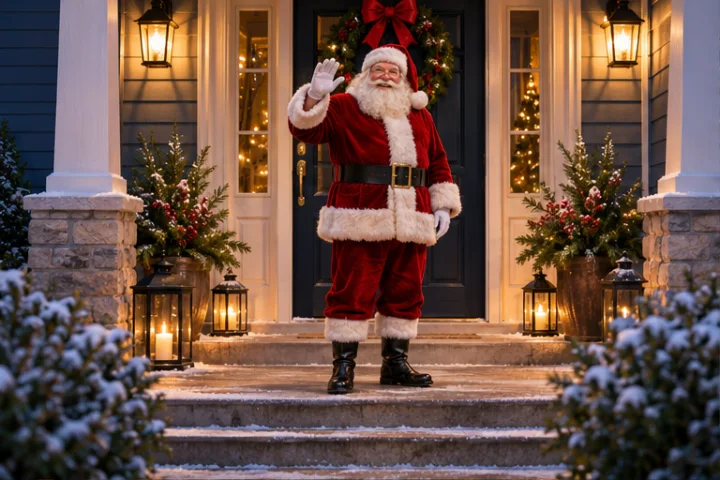
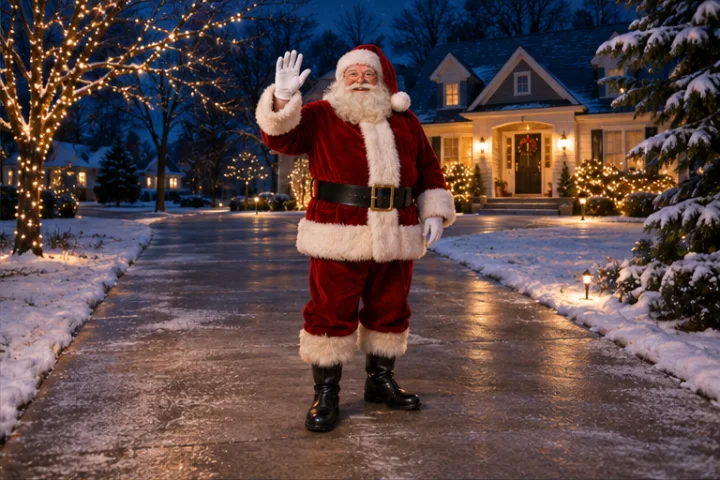
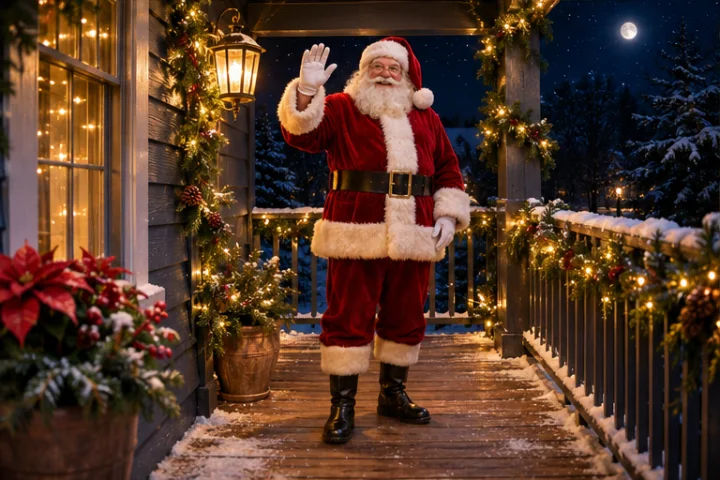
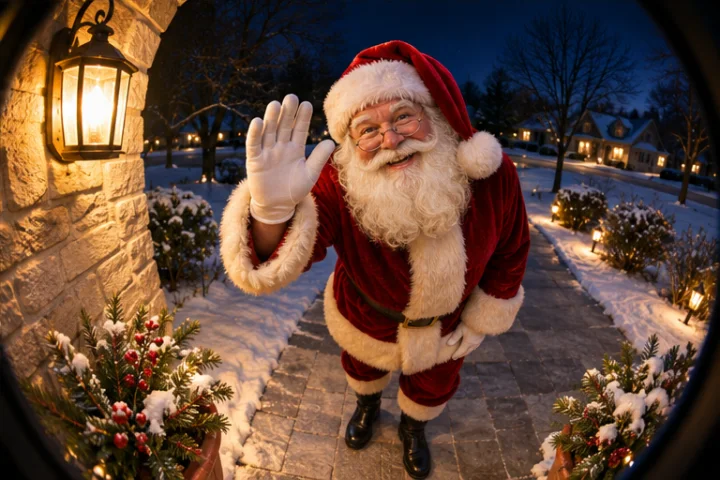
Swipe or use the arrow keys to see more scenes.
The moment Santa appeared outside our front door and waved, the kids were absolutely amazed!
Seeing Santa visit our own home made Christmas feel even more magical.
The kids wanted to watch Santa waving at our doorstep over and over again!
Personalized with your home photo
$14.99USD · One-time total
Was $29.99Save $15.00
Authorize the total at checkout. We charge your card when your video is ready and release the hold if we can’t deliver.
Choose a clear, well-lit photo with room for Santa to stand and move. A straight-on view usually works well.
Yes. Choose a sharp frame with a clear view of the entry or walkway. Keep addresses and identifying details out of the frame where possible.
FaceFairy Studio creates a video effect that makes Santa appear in the scene from your photo.
A standard Santa visit runs about 16 seconds.
Every standard video uses the same greeting, “Ho Ho Ho! Merry Christmas!” Your home photo is what makes the scene personal.
We’ll email you a private link to watch and download your video.
Give us as much lead time as you can. We’ll confirm availability and timing before payment.
Include any important details when you submit your photo. We can discuss what’s possible during review.
Your upload is stored privately for staff review and fulfillment. We’ll ask for separate permission before using it in marketing. Contact the studio to request deletion.