Front doors and porches
Step back far enough to include the top of the door and the walkway. Keep the camera level so the steps and floor show in the frame.
Compare a front door, porch, driveway, and doorbell-camera angle and learn how to take a clear photo for a personalized Santa visit video.
Explore Santa Visit Videos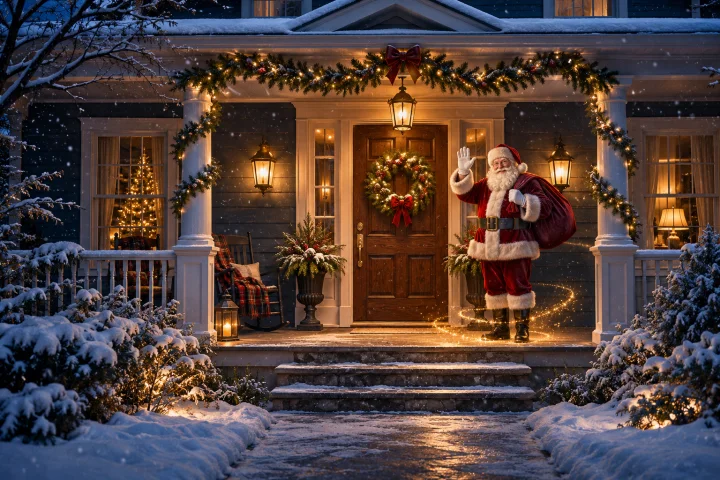
Choose a sharp, well-lit photo where you can see the ground and the spot Santa would stand. Keep people, house numbers, and vehicle plates out of the frame if possible.
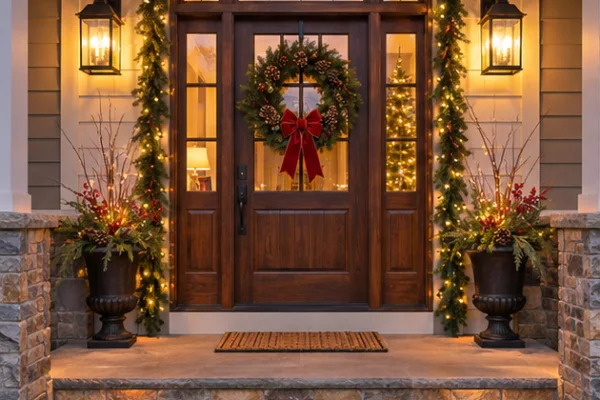
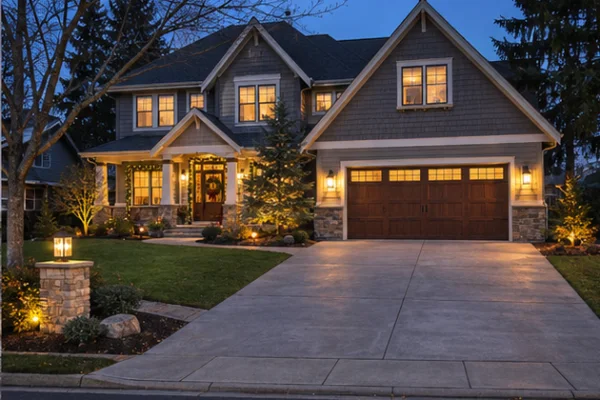
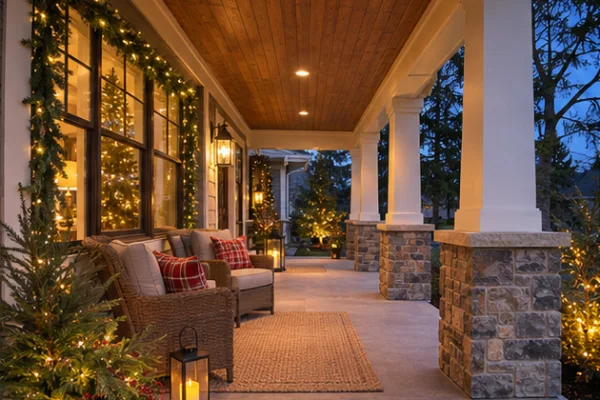
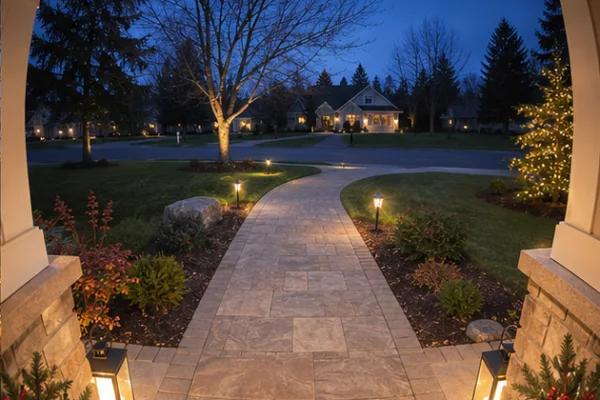
Step back far enough to include the top of the door and the walkway. Keep the camera level so the steps and floor show in the frame.
Try an empty driveway with a clear strip of pavement. For a doorbell screenshot, pick a sharp frame with the walkway visible and few overlays.
Count down to Christmas Eve and find the official NORAD Santa Tracker. Learn when to follow Santa and how the tracking tradition began.
Discover where Santa Claus got his name, how a Christmas poem shaped his sleigh story, and how artists helped define the Santa we recognize today.
See what Santa could look like waving at your own front door.