Photographer Invoice for Events
Capturing the perfect moment is your passion; chasing payments shouldn't be. Event photography involves long hours on your feet and even longer hours editing. When you deliver those final proofs, you want a smooth payment process. A clear, detailed invoice ensures your clients know exactly what they are paying for, from the shooting hours to the digital rights.
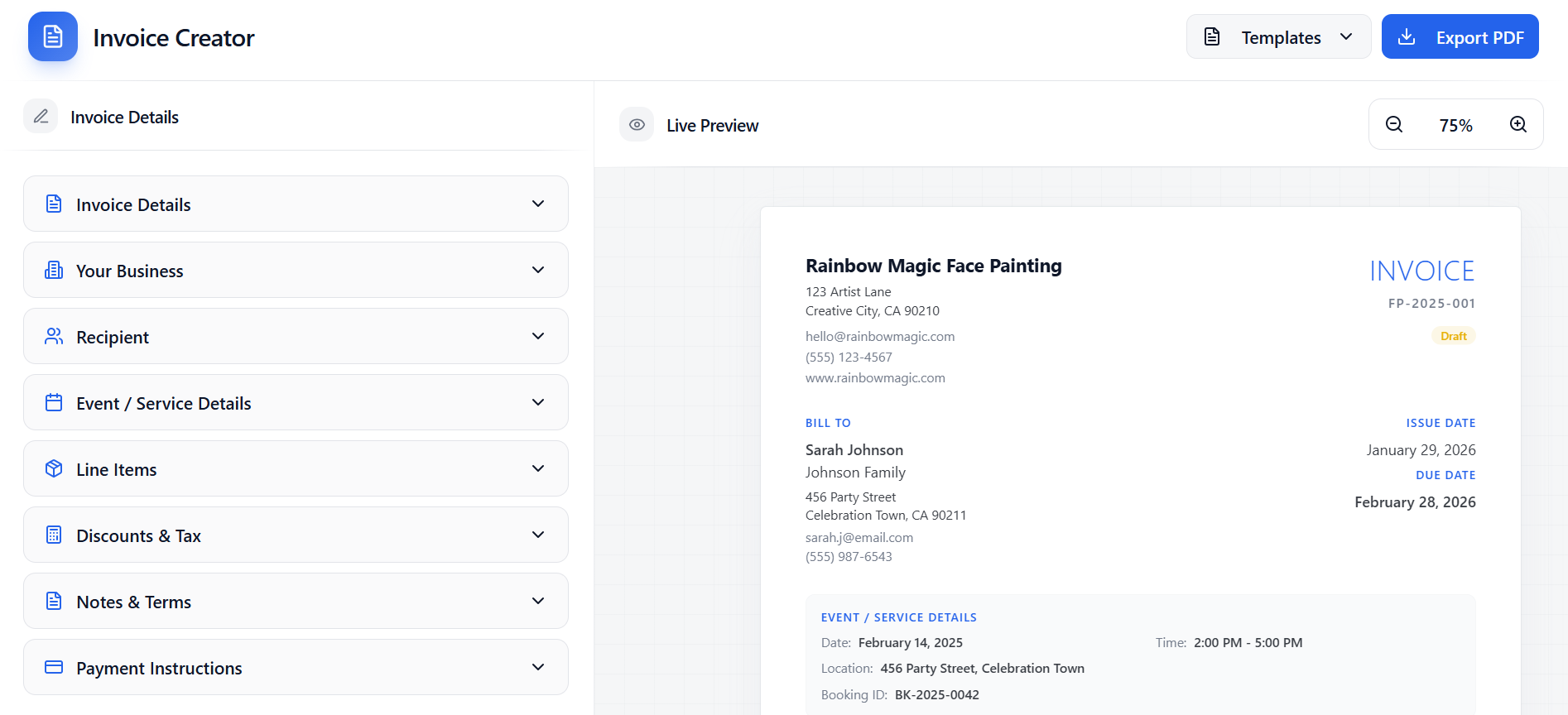
What should be included in an invoice for this type of service?
- Shoot date and location
- Number of hours of coverage
- Post-production/Editing fees
- Digital delivery or print package details
- Licensing rights (Personal use vs Commercial use)
- Sales tax (if applicable in your region)
- Link to online gallery (optional)
Common mistakes people make
- Not separating the session fee from the product (prints/albums) costs.
- Failing to mention the turnaround time for final images.
- Undervaluing the work by not itemizing the editing time.
How to create a professional invoice in minutes
Open the tool
Open the invoice generator (no login required).
Fill in the details
Add your business info, client details, and line items for your service.
Export a clean PDF
Preview instantly and export a ready-to-send invoice PDF.
Frequently Asked Questions
Should I ask for a deposit?
Yes, for event photography, it is standard industry practice to require a non-refundable deposit (retainer) to book the date.
Can I use this for weddings?
Definitely. This invoice template works perfectly for weddings, engagements, and other milestone events.
How detailed should the description be?
Be specific. Instead of just "Photography", write "6 Hours Wedding Coverage + 300 Edited Digital Images" to avoid disputes.
The faster you invoice, the faster you get paid. This tool is designed for service providers who want a clean invoice without dealing with complicated billing software.