
Create Your Invoice Free
Start free — no sign-up required. Create your professional invoice in under 2 minutes. Only pay if you want a clean PDF export.
Use Free Invoice Generator →Shooting the event is only half the job. Between culling, editing, and client galleries, photography is incredibly time-consuming. You shouldn't have to spend your editing time wrestling with invoice formatting. Our free photographer invoice generator helps you bill for session fees, licensing, and print credits so you can get back to Lightroom.
Why Professional Invoices Matter
A professional invoice does more than just collect payment; it clarifies deliverables. By clearly stating exactly how many edited photos are included and what the commercial licensing terms are, you prevent "scope creep" from clients who expect endless revisions and RAW files for free.
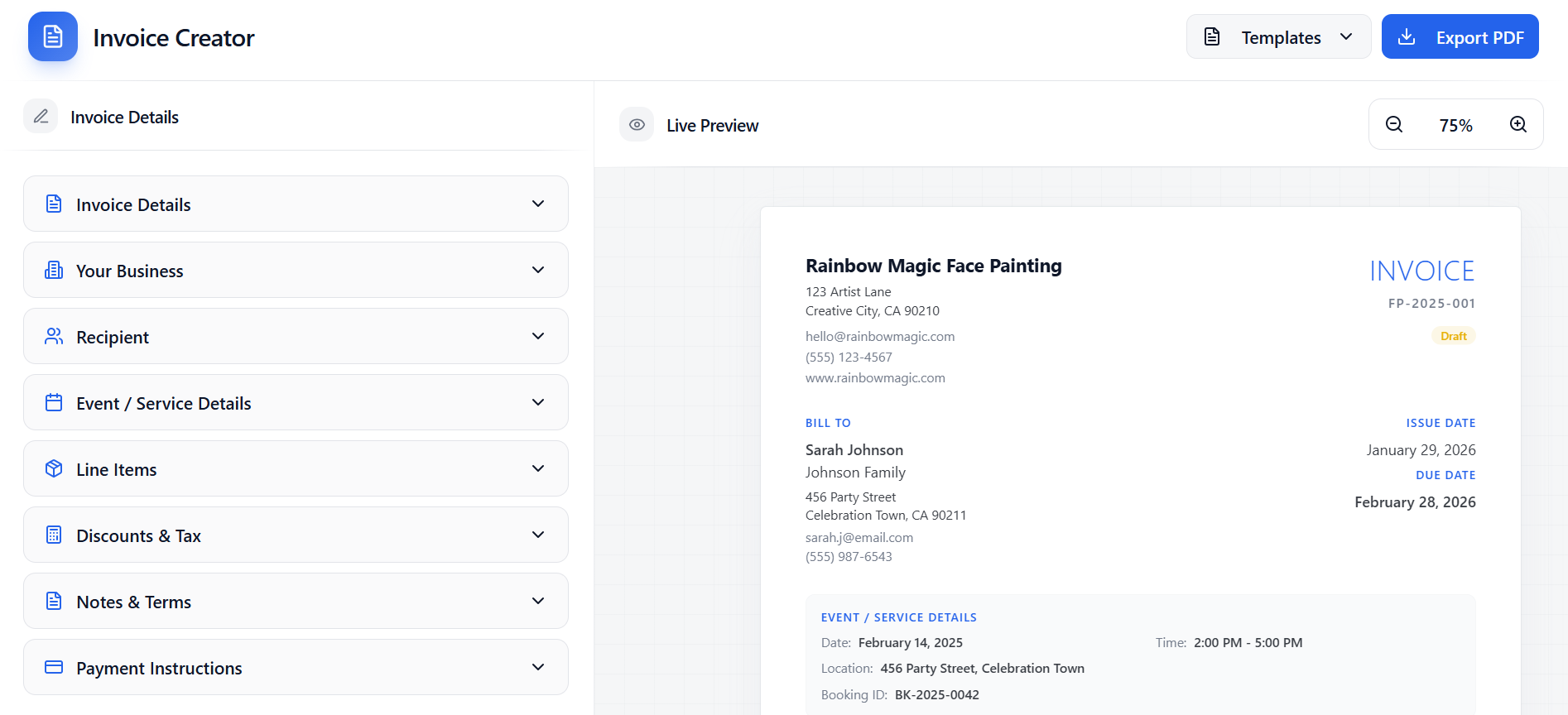
Sample Event Photographer Invoice Template - Free PDF Generator
Here is an example of the professional PDF invoice you can generate in seconds using our tool.
Common Services to Include
Not sure how to itemize your bill? Here are the most common line items used by professionals in this industry:
- • Event Coverage (Full Day / Half Day)
- • Second Shooter / Assistant Fee
- • Digital Gallery Delivery (High-Res)
- • Commercial Licensing / Usage Fee
- • Print Credits / Album Design
- • Rush Editing Fee
Real-World Invoice Examples
Here are examples of how professionals itemize their invoices. Note: Pricing is for illustration only. Actual rates vary by region and experience.
Wedding Photography Package
Corporate Headshots & Event Coverage
Essential Invoice Details
- Client name and shoot location
- Date of the shoot and hours of coverage
- Specific deliverables (e.g., "Minimum 400 edited digital files")
- Commercial licensing terms if applicable
- Non-refundable retainer amount paid
- Final balance and due date
Industry Benchmarks
While every business is unique, here are the standard billing practices for this profession:
The Complete Billing Workflow
Quote
Estimate based on hours of coverage and licensing needs.
Retainer Invoice
Deposit paid alongside signed contract to secure the date.
Final Invoice (Weddings)
Balance due 30 days before the wedding.
Final Invoice (Corporate)
Balance due Net 30, often sent alongside watermarked proofs.
Helpful Invoicing Tips
Hold the Gallery
Never deliver the final, un-watermarked, high-resolution gallery until the invoice is paid in full. Once they have the photos, your leverage is gone.
Charge for Rush Edits
If a corporate client needs the photos edited and delivered within 24 hours for a press release, always include a "Rush Editing Surcharge" on the invoice.
Common Invoicing Mistakes
- ✗ Delivering high-res files before the final check clears
- ✗ Not specifying how many revisions or edits are included
- ✗ Forgetting to charge commercial licensing fees to corporate clients
- ✗ Not separating the second shooter fee from the main package
Common Questions
How do I invoice for commercial usage?
If a company plans to use your photos in a national ad campaign, they should pay a "Commercial Usage License" fee on top of your hourly shooting rate. Itemize this clearly on the invoice.
Should I charge sales tax on photography?
This varies wildly by state. In many states, delivering physical goods (like a flash drive or prints) makes the entire package taxable, while delivering only via digital download may be tax-exempt. Consult your CPA.
Related Business Resources
Continue building your event business with these related resources and templates:
Ready to get paid?
Create a flawless PDF invoice in under 2 minutes. No account required, only pay if you need to export.
Create Your Invoice Free